Grasshopper · Rhino 8 · relief
Betav2.5.2Relief Texture applies a pattern, an image or a text as relief on your geometry, all the way to piercing through, then checks that the part is still printable.
Or in Rhino 8: run _PackageManager and search for relief-texture
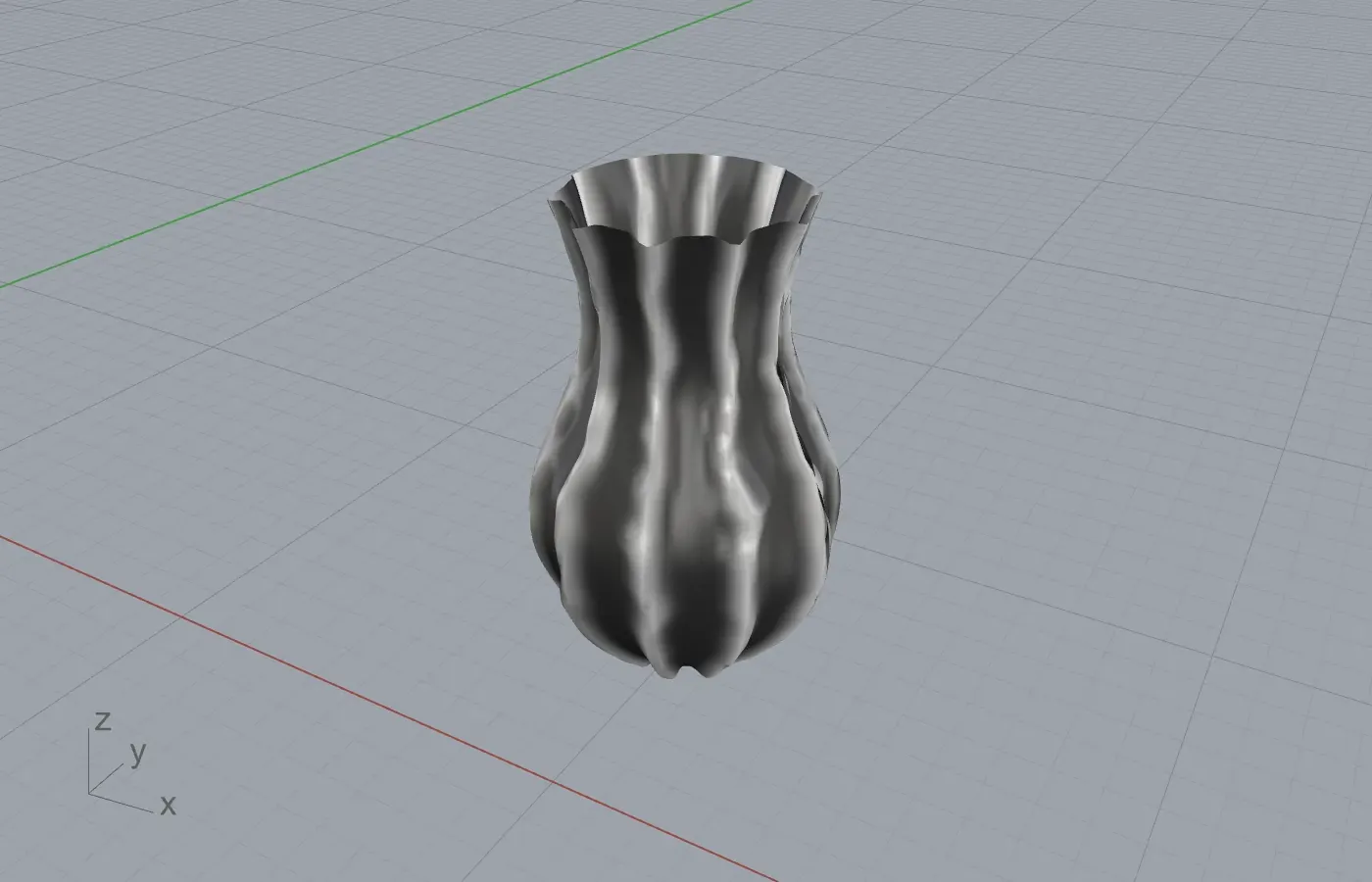
Features
Procedural, image or text reliefs on your meshes, with printability checks.
Procedural patterns
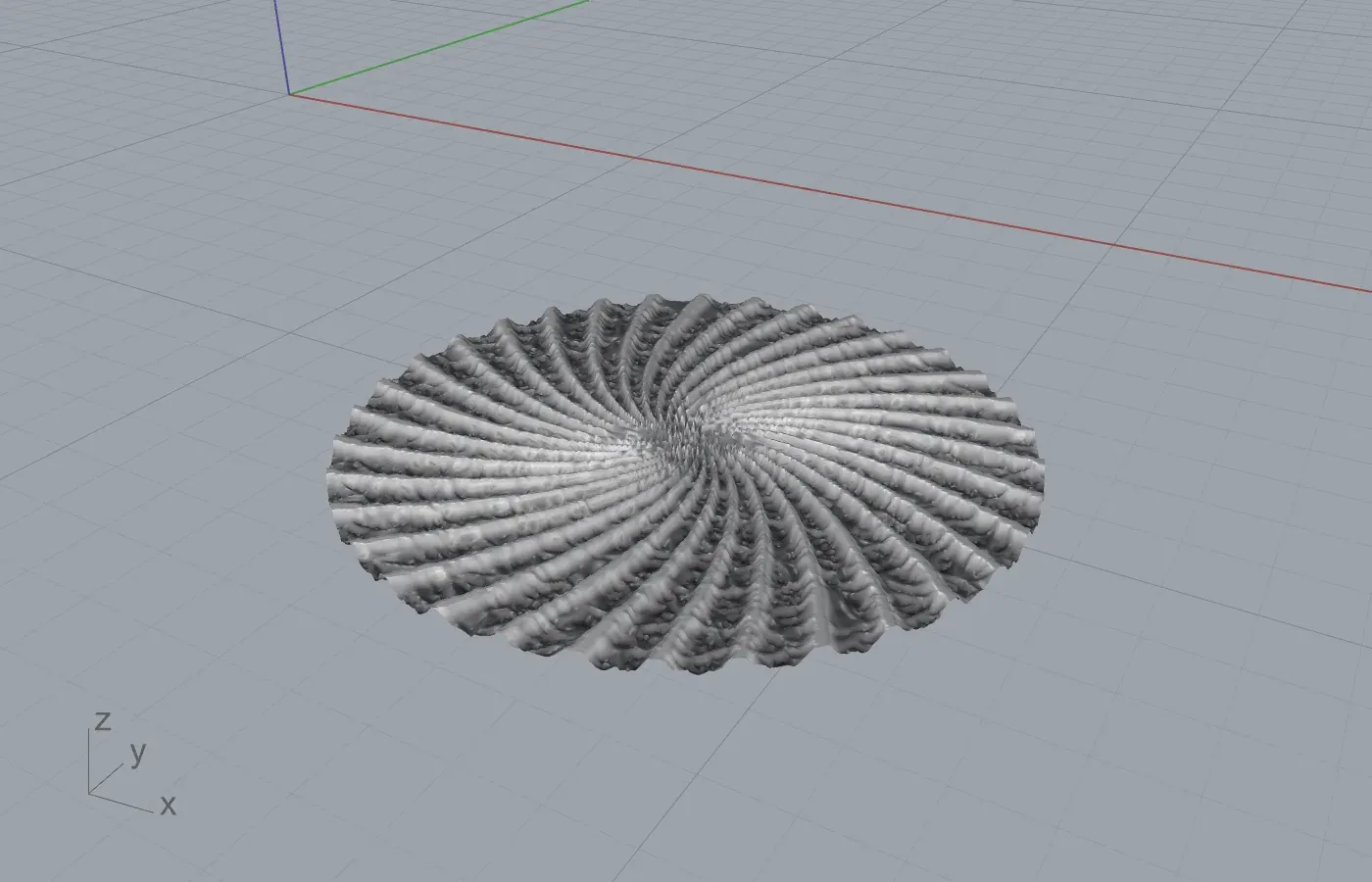
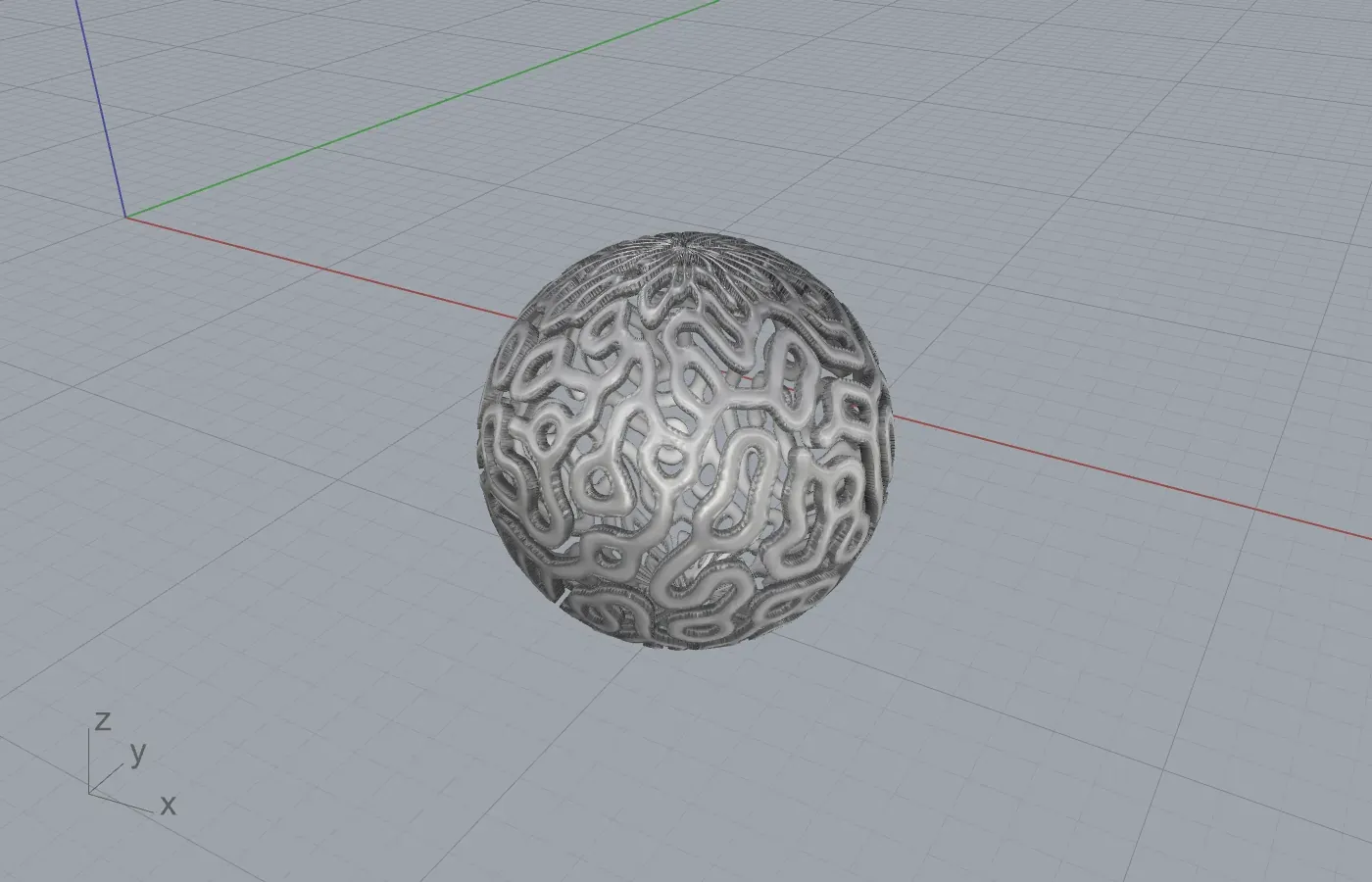
Seven patterns (Voronoi ridges and cells, fractals, organic, ribs), phyllotaxis and reaction-diffusion.
Image and text
A greyscale image or a text with font, size and bevel becomes a relief field.
Combinable fields
Eight blend modes, remapping with a profile curve, attractor masks.
Piercing and rim
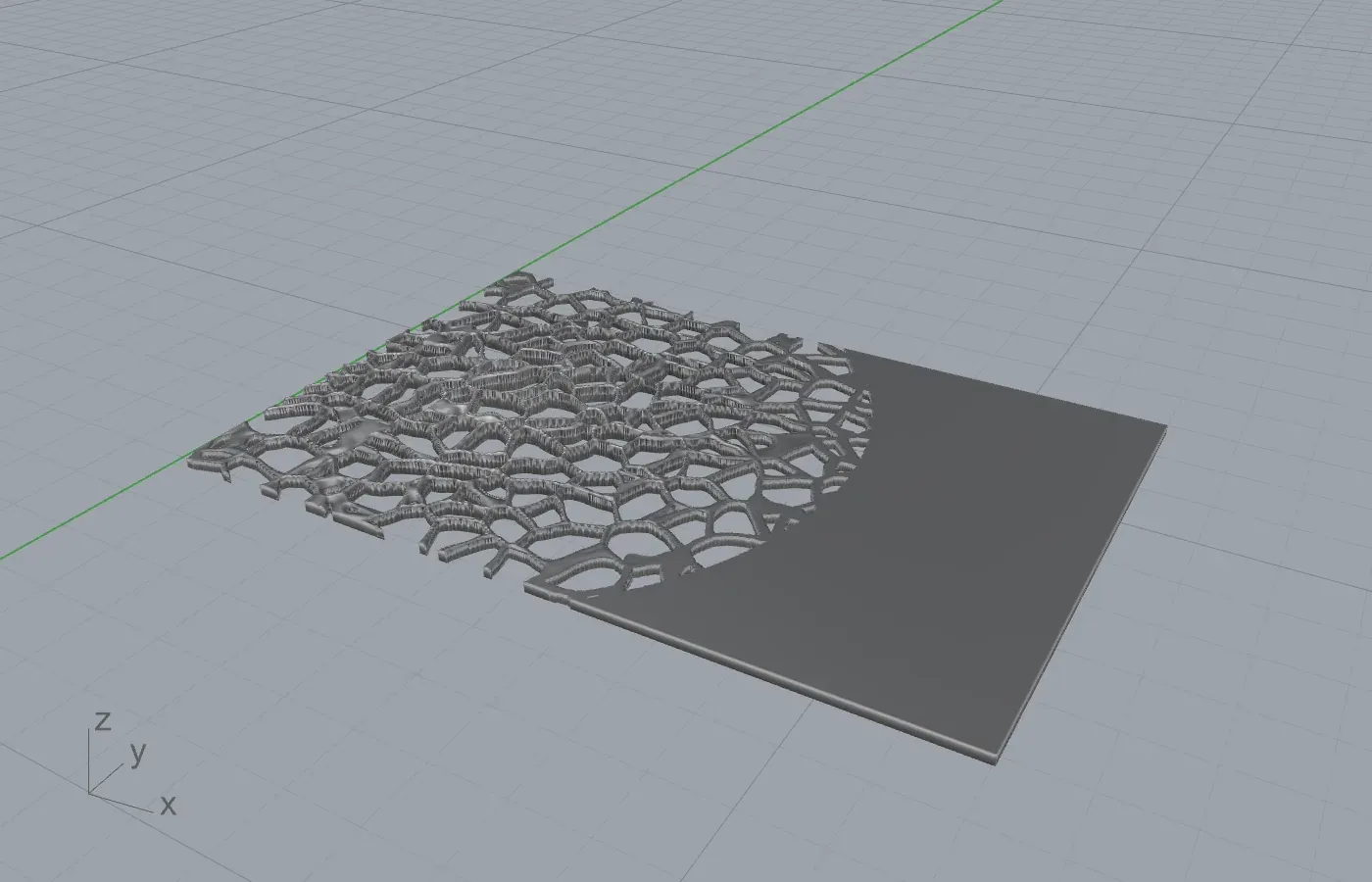
The relief can cut through the wall exactly along the iso-line, with an adjustable solid rim.
Print check
Minimum wall thickness, overhang, smallest hole; estimated volume, mass and cost.
Fabrication
16-bit PNG heightmap for CNC or 8-bit for laser; volume lattices: gyroid, Schwarz P, diamond, Neovius, lidinoid, IWP, Fischer-Koch S, BCC and octet beams, trabecular Voronoi.
In pictures
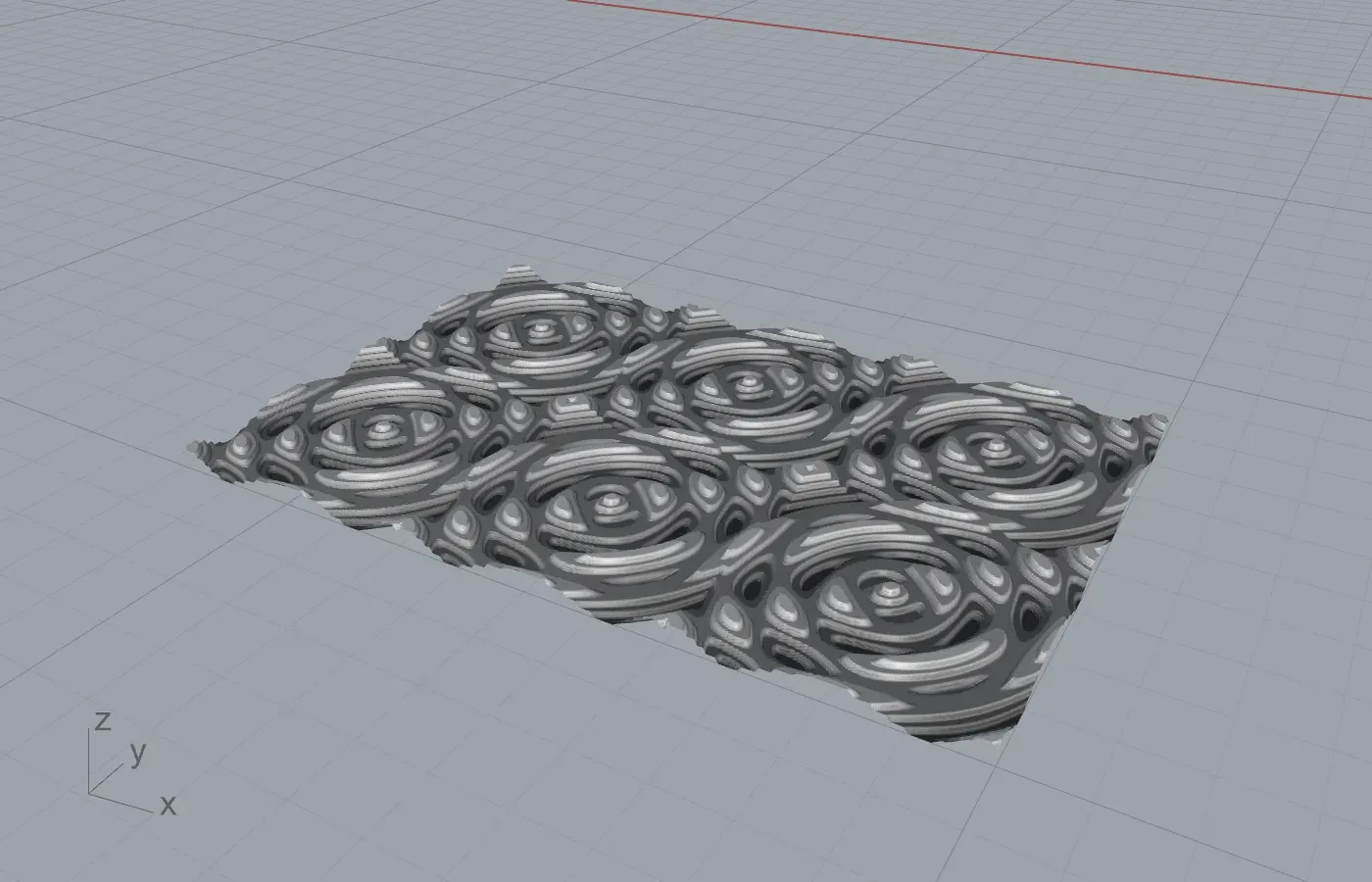
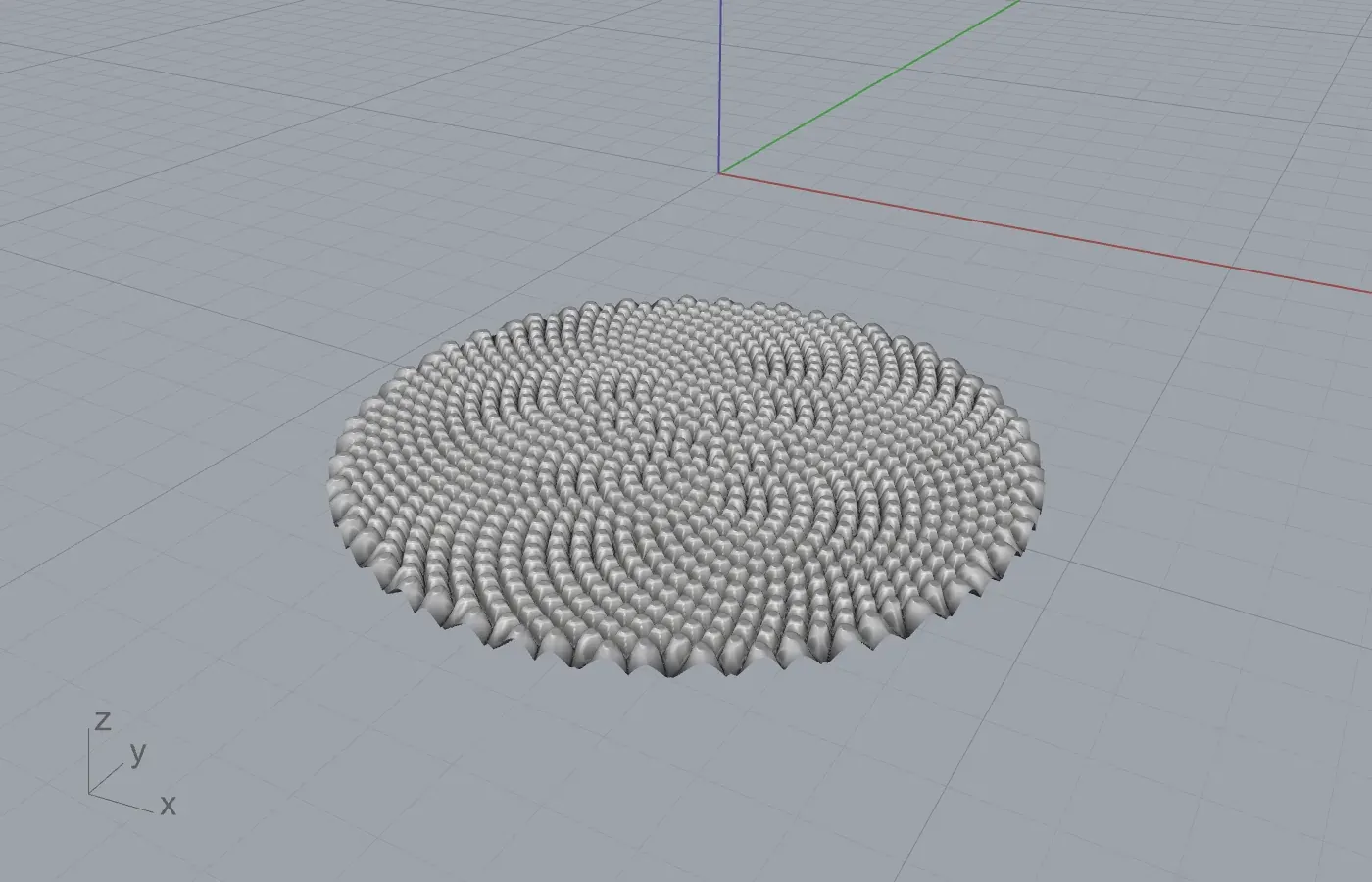
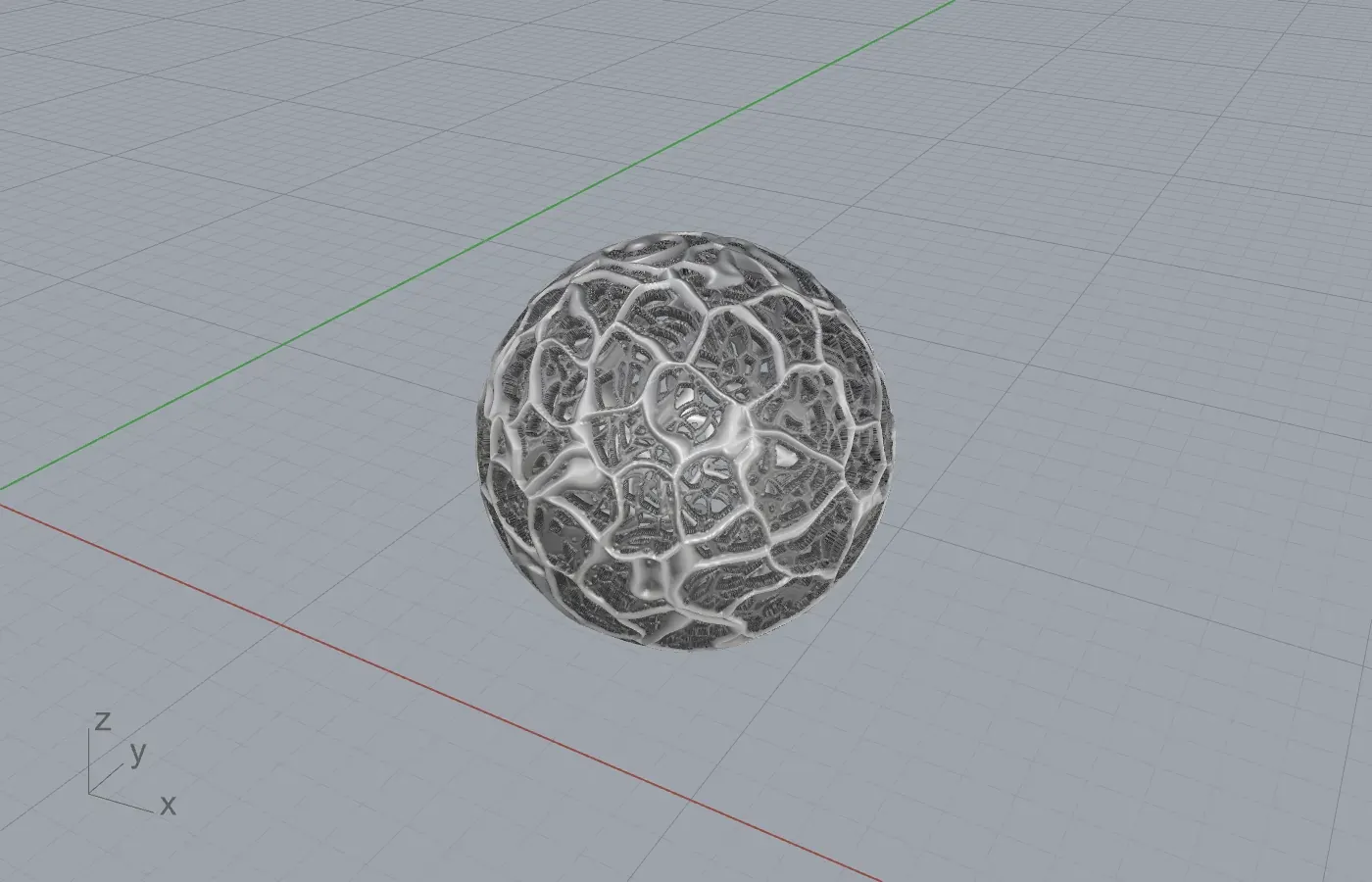
Requirements
- Compatibility
- Rhino 8 (Grasshopper)
- Components
- 14, in the Relief tab
- Output
- Rhino mesh; PNG heightmaps
- Examples
- 15 ready-to-run definitions
- Installation
- Rhino Package Manager (“relief-texture”) or .zip file
Frequently asked questions
Does it export STL directly?
The result is a Rhino mesh: export it to STL or 3MF from Rhino.
Is the AI tuning assistant included?
The Reference Match component suggests a pattern and settings from a reference image. It requires your own AI service key.
How do I install it?
In Rhino 8, run the _PackageManager command and search for “relief-texture”. You can also download the .zip file from this page and follow the INSTALL.txt file inside.
Is it free?
Yes, for the whole beta. A paid licence is planned for the final release; its terms will be announced on the Pricing page.